
Teleprompter for Zoom and video calls
Hit your talking points and hold eye contact on every call.
A teleprompter for Zoom keeps your talking points near the camera so you stay on message during meetings, webinars, and sales calls. Sayscroll follows your voice and scrolls at your pace in a browser window beside your call.
Look at the camera, not your notes
Place the prompter window just below your webcam and read with your eyes up. The script follows your voice, so you stay present and on point and never break eye contact to find your spot.
Runs next to any call app
Because Sayscroll is browser-based, it works alongside Zoom, Google Meet, Teams, Webex or any other meeting app without extra software. Window layouts for Mac and Windows are on the device pages.
Ideal for sales and webinars
Keep pitches, demos, and onboarding calls consistent.
- Voice-paced scrolling, no clicker
- Compact window near your webcam
- Pauses automatically for live Q&A
Frequently asked questions
Does it work with Zoom, Meet, and Teams?
Yes. It runs in a separate browser window, so it works alongside any video-call app on the same screen.
Will people on the call see my script?
Only if you share that window. Keep it unshared and the prompter is just for you.
Can I read while screen-sharing?
Yes. Position the prompter window where you can see it; share only the window or app you intend to show.
Keep exploring
Teleprompter for YouTube
Look into the lens, say the whole script in one pass, and record it in the same tab — the prompter follows you, not the other way round.
Teleprompter for Presentations
Deliver a tight talk or webinar without burying your face in notes.
Teleprompter for Podcasts
Read intros, ad reads, and segues without sounding like you're reading.
Online Teleprompter
Open a tab, paste your script, allow the microphone, and read. Nothing to install on any device.
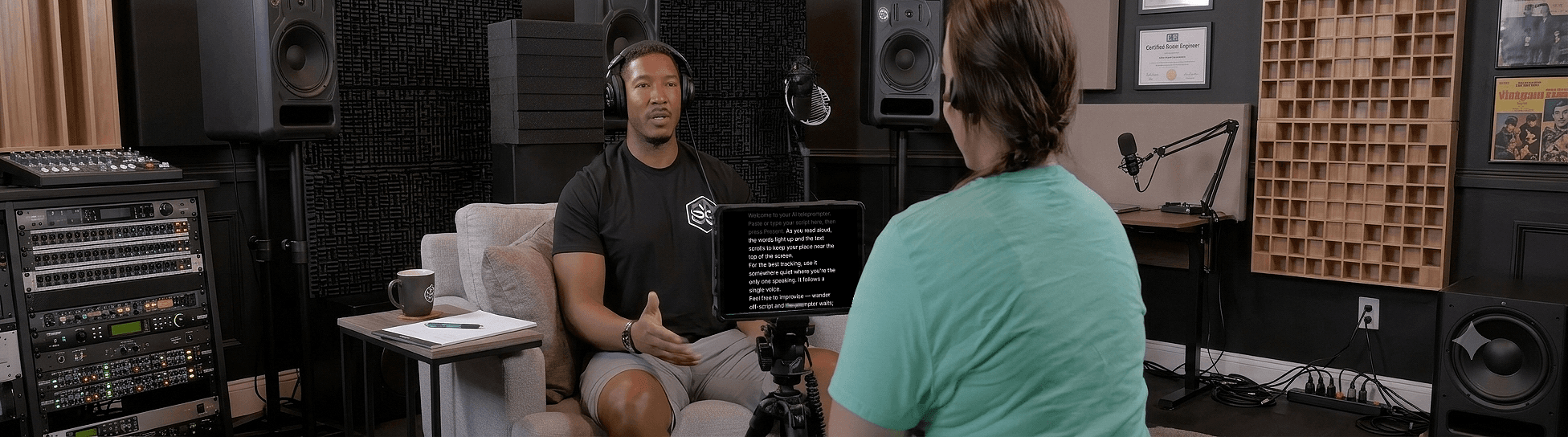
Speak naturally — Let the script follow you
The AI teleprompter that scrolls as you speak — in 60+ languages.