
Teleprompter for speeches and public speaking
Land every line with your eyes up, not buried in a page.
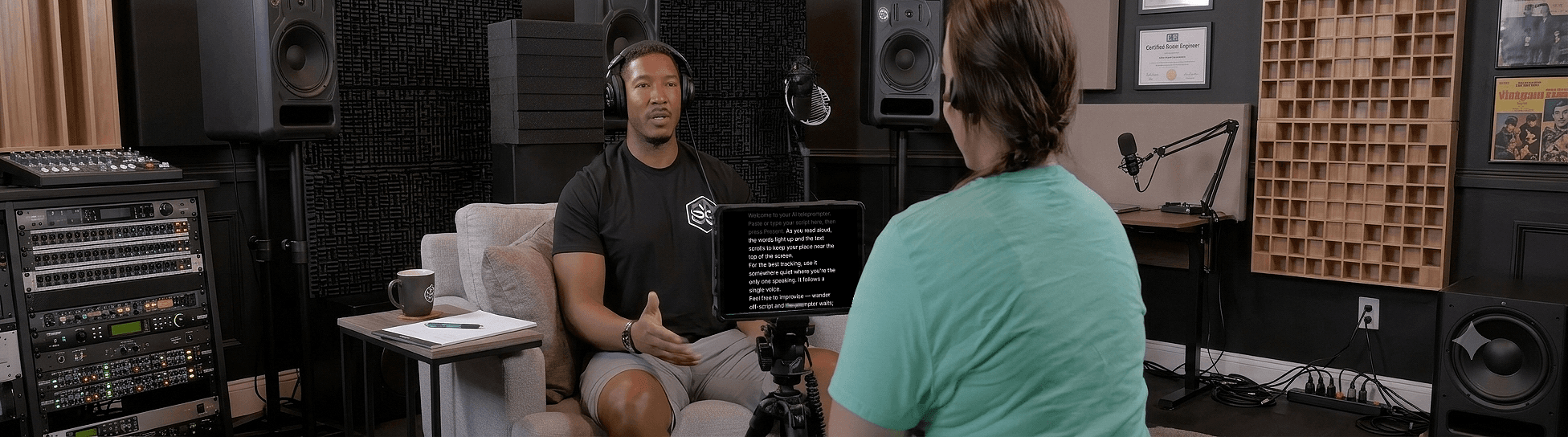
A teleprompter for public speaking keeps your speech in view while you hold eye contact with the audience or camera. Sayscroll follows your voice, so the words advance at your pace and wait when you pause for effect.
Eyes up, notes gone
Reading from cards pulls your gaze down. A voice-following prompter on a confidence monitor or tablet keeps the next line ready so you can look out and connect while you speak — and because it moves with your words, the next line is always right there.
Pause for emphasis, freely
Dramatic pauses and applause breaks don't desync the text. The prompter simply waits and resumes when you continue your line.
Rehearse and deliver
Practice with the same script you'll present, at whatever pace feels natural. Measure that pace with the WPM reading test and size the speech with the speech length calculator.
- No fixed speed to rehearse against
- Auto-pause for applause or breaths
- Large, readable text in fullscreen
Frequently asked questions
Is it good for memorized speeches?
Yes — many speakers use it as a safety net. The script follows your voice, so it's there if you lose your place but never rushes you.
Can it handle long pauses?
Yes. It waits during silence and resumes when you speak, so pauses for effect or applause are fine. After 30 seconds the mic pauses itself; tap Resume to continue.
Will the audience see the text?
No. The prompter is on your screen or a confidence monitor facing you; the audience just sees you looking up and engaged.
Keep exploring
Teleprompter for YouTube
Look into the lens, say the whole script in one pass, and record it in the same tab — the prompter follows you, not the other way round.
Teleprompter for Presentations
Deliver a tight talk or webinar without burying your face in notes.
Teleprompter for Podcasts
Read intros, ad reads, and segues without sounding like you're reading.
Free Teleprompter
Paste a script and start reading — no account, no download, no card, no watermark. Here is exactly what free includes.
Speak naturally — Let the script follow you
The AI teleprompter that scrolls as you speak — in 60+ languages.