
Teleprompter for presentations
Deliver a tight talk or webinar without burying your face in notes.
A teleprompter for presentations keeps your key points in front of you while you stay engaged with the camera or room. Sayscroll follows your voice, so your notes scroll as you speak and pause when you stop.
Stay on message, on camera
Instead of glancing at slides or cards, read from a prompter that paces itself to you. You stay composed and hit every point in order, and because the text moves with your words rather than a timer, you are never hunting for your line mid-talk.
Handle Q&A and tangents
Step away from the script to answer a question, then return — the prompter waits and resumes where you left off, so detours don't throw you off. If a question sends you to a different part of the talk, scroll to that line and continue from there. How re-syncing works is on the voice-controlled teleprompter page.
Great for webinars and demos
Keep a product walkthrough or pitch crisp and repeatable. Size the script to your slot with the speech length calculator.
- Voice-paced, no clicker to manage
- Adjustable text size for any distance
- Works alongside Zoom, Meet, OBS or in any browser
Frequently asked questions
Can I use it during a live webinar?
Yes. Run Sayscroll in a browser window or second screen near your camera while you present in Zoom, Meet, or your streaming tool.
What if I pause to take a question?
The prompter pauses with you and waits. When you resume your script, it picks back up automatically.
Is it good for long talks?
Yes. Paid plans remove the script-length limit, so you can load a full keynote and present end to end.
Keep exploring
Teleprompter for YouTube
Look into the lens, say the whole script in one pass, and record it in the same tab — the prompter follows you, not the other way round.
Teleprompter for Speeches & Public Speaking
Land every line with your eyes up, not buried in a page.
Teleprompter for Zoom Meetings
Hit your talking points and hold eye contact on every call.
Voice-Controlled Teleprompter
The script moves because you are speaking — it starts when you start, waits when you pause, and needs no remote, pedal, or operator.
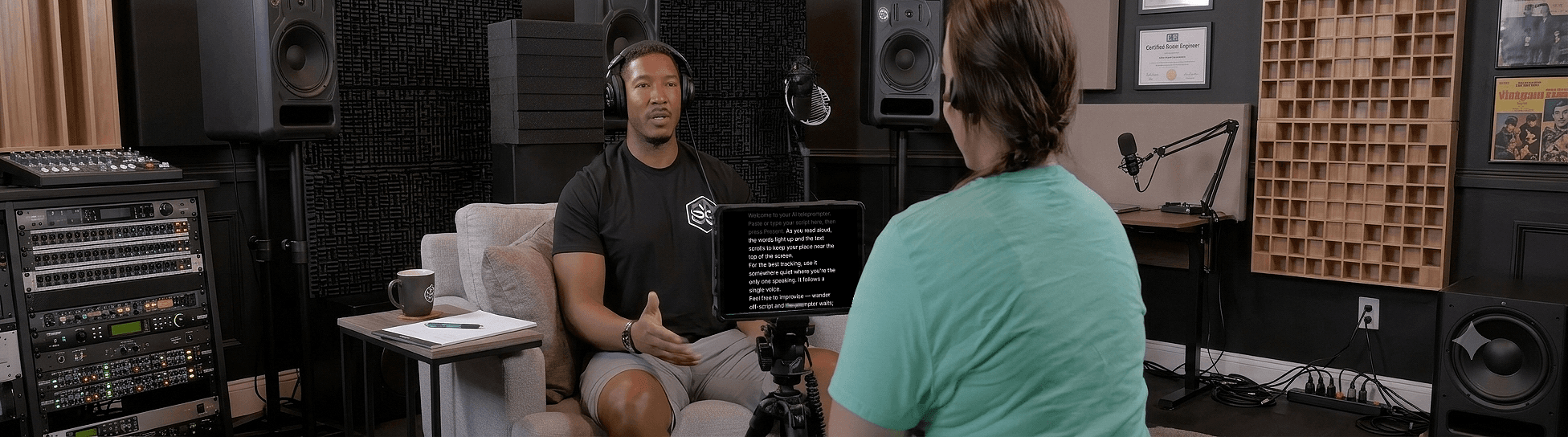
Speak naturally — Let the script follow you
The AI teleprompter that scrolls as you speak — in 60+ languages.