
Free teleprompter that follows your voice
Paste a script and start reading — no account, no download, no card, no watermark. Here is exactly what free includes.
Sayscroll is a free-to-try online teleprompter: paste a script into your browser and it scrolls as you speak, pausing when you pause. The free version has one limit — script length — and no others: no account, no download, no card, no watermark, no time-boxed trial. This page spells out what you get, where the limit is, three things you can do entirely for free, and what "free" means elsewhere.
What the free teleprompter includes
Everything the paid version does, on a short script. There is no cut-down mode.
| Free | Paid plans | |
|---|---|---|
| Voice following (word-level, 60+ languages) | Yes | Yes |
| Script length | Up to 700 characters (about 120 words, one to two minutes of speech) | Unlimited |
| Speech time | Included with the demo | 10, 30, or 100 hours per month |
| Built-in video recorder | Yes | Yes |
| Reading controls, fullscreen, mirroring | Yes | Yes |
| Account, card, download | None needed | Account for billing |
| Watermark | None | None |
Paid plans start at $10 a month and simply remove the script-length limit and add monthly speech hours — only the time the microphone is actively listening counts. Cancel any time.
Three things you can do free, today
Seven hundred characters is short, but it is exactly the length of the things people most often need a prompter for.
- A social clip or intro. A 45-second Reel, Short, or TikTok script fits comfortably. Turn on the built-in recorder and film it in the same tab — see teleprompter for iPhone.
- A rehearsal. Paste the opening of a talk and practise the first minute until the delivery feels natural. Voice following means you rehearse your pacing, not a scroll speed.
- A test of the voice tracking itself. Read, pause, repeat a line, ad-lib a sentence and come back. If it holds your place through all of that, it will hold it through a full script.
The truth about "free" teleprompters
A genuinely free teleprompter that follows your voice accurately does not really exist, because live speech recognition costs money to run. So "free" voice prompters tend to do one of three things: track poorly, cap you hard, or watermark your video.
- Classic free web prompters are fully free — and scroll at a fixed speed with no voice following and no recording. Fine for a rehearsed read with an operator.
- Free tiers of native apps usually limit scripts, features, or exports, and voice tracking where offered is often English-only.
- Video suites with a prompter tab frequently watermark the free export.
Sayscroll's demo is the honest version: real word-level voice tracking with no watermark, free for short scripts, with paid plans only when you need longer ones. The category comparison is in the best teleprompter apps in 2026.
What true voice control feels like
Fixed-speed prompters make you match the machine. Voice following makes the machine match you: read at your own pace, pause for emphasis, repeat a line for a cleaner take, or go off script and come back — the text waits and re-syncs. That is the part worth testing free before you trust any prompter with a real take.
- No account needed to try
- No fixed scroll speed to set
- Scroll to any line to continue from there
- Cancel anytime on paid plans
- Same reading controls, recorder, and mirroring as paid plans
How the tracking works, including what happens when you skip ahead, is on the voice-controlled teleprompter page.
When to upgrade, and what it costs
Upgrade when scripts outgrow 700 characters — a two-minute update, a course lesson, a keynote. Plans differ only in monthly speech hours; only the time the microphone is actively listening counts, and the mic pauses itself after 30 seconds of silence.
| Plan | Speech time | Monthly | Yearly (12 months of hours) |
|---|---|---|---|
| Starter | 10 hours / month | $10 | $60 |
| Creator | 30 hours / month | $20 | $120 |
| Pro | 100 hours / month | $50 | $300 |
Ten hours is roughly 60 to 80 finished videos a month for a typical creator, because listening pauses whenever you stop. Every plan includes unlimited script length, the recorder, all reading controls, and no watermark; cancel any time from the billing portal.
Start now
Scroll to the prompter on the homepage, paste your script, and press Present — in any browser on a laptop, phone, or tablet. Not sure how long your text runs? Paste it into the script timing calculator first. British or Australian? The same free prompter is on the free autocue page.
Frequently asked questions
Where can I find a free teleprompter?
Right here — Sayscroll runs free in your browser with a short script: paste it, press Present, and it scrolls as you speak. No account, download, card, or watermark. Fully free alternatives exist but scroll at a fixed speed instead of following your voice.
Is Sayscroll free to try?
Yes. You can use the voice-following teleprompter free with scripts up to 700 characters — no account or card required. Paid plans from $10/month unlock unlimited script length and monthly speech time.
What are the limits of the free version?
One: script length, capped at 700 characters (roughly 120 words). Everything else — voice tracking, the recorder, all reading controls — is the same as on paid plans, with no watermark.
Is there a watermark?
No. The teleprompter view is clean and recordings from the built-in recorder carry no watermark, free or paid.
Do I have to create an account?
Not to use the free teleprompter. An account is only needed if you subscribe, so billing can be attached to it.
Can I use the free teleprompter for client or commercial work?
Yes. There are no usage restrictions on the free demo beyond the script-length limit, and recordings carry no watermark, so a short client testimonial or product clip is fine.
Keep exploring
Free Autocue
The word is British; the device is a teleprompter. Try one that scrolls to your voice — free, in your browser, no operator.
Online Teleprompter
Open a tab, paste your script, allow the microphone, and read. Nothing to install on any device.
Voice-Controlled Teleprompter
The script moves because you are speaking — it starts when you start, waits when you pause, and needs no remote, pedal, or operator.
Teleprompter for YouTube
Look into the lens, say the whole script in one pass, and record it in the same tab — the prompter follows you, not the other way round.
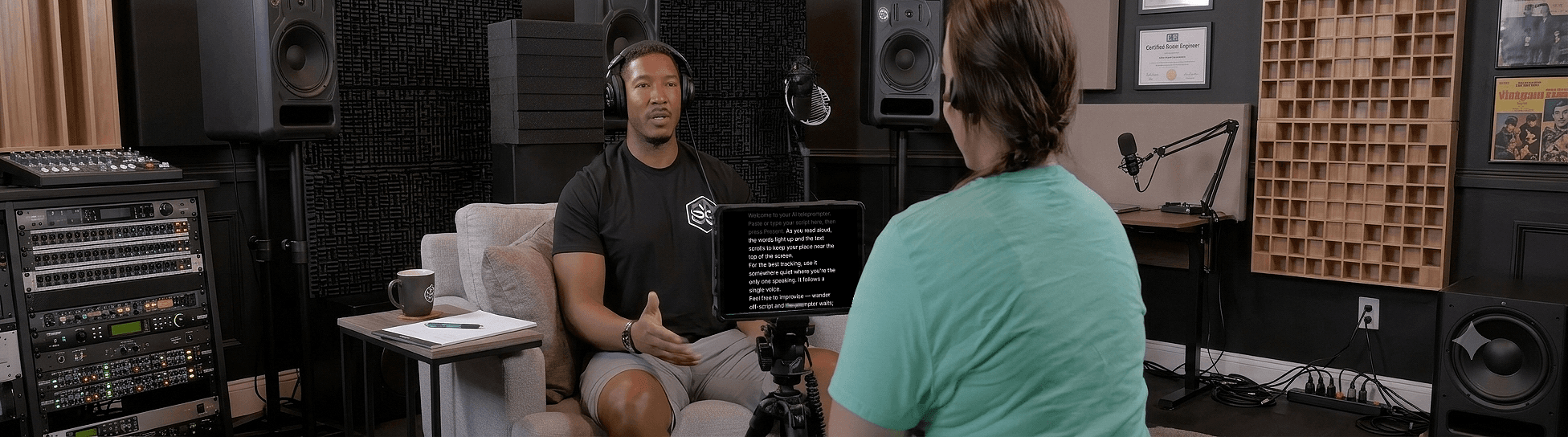
Speak naturally — Let the script follow you
The AI teleprompter that scrolls as you speak — in 60+ languages.